

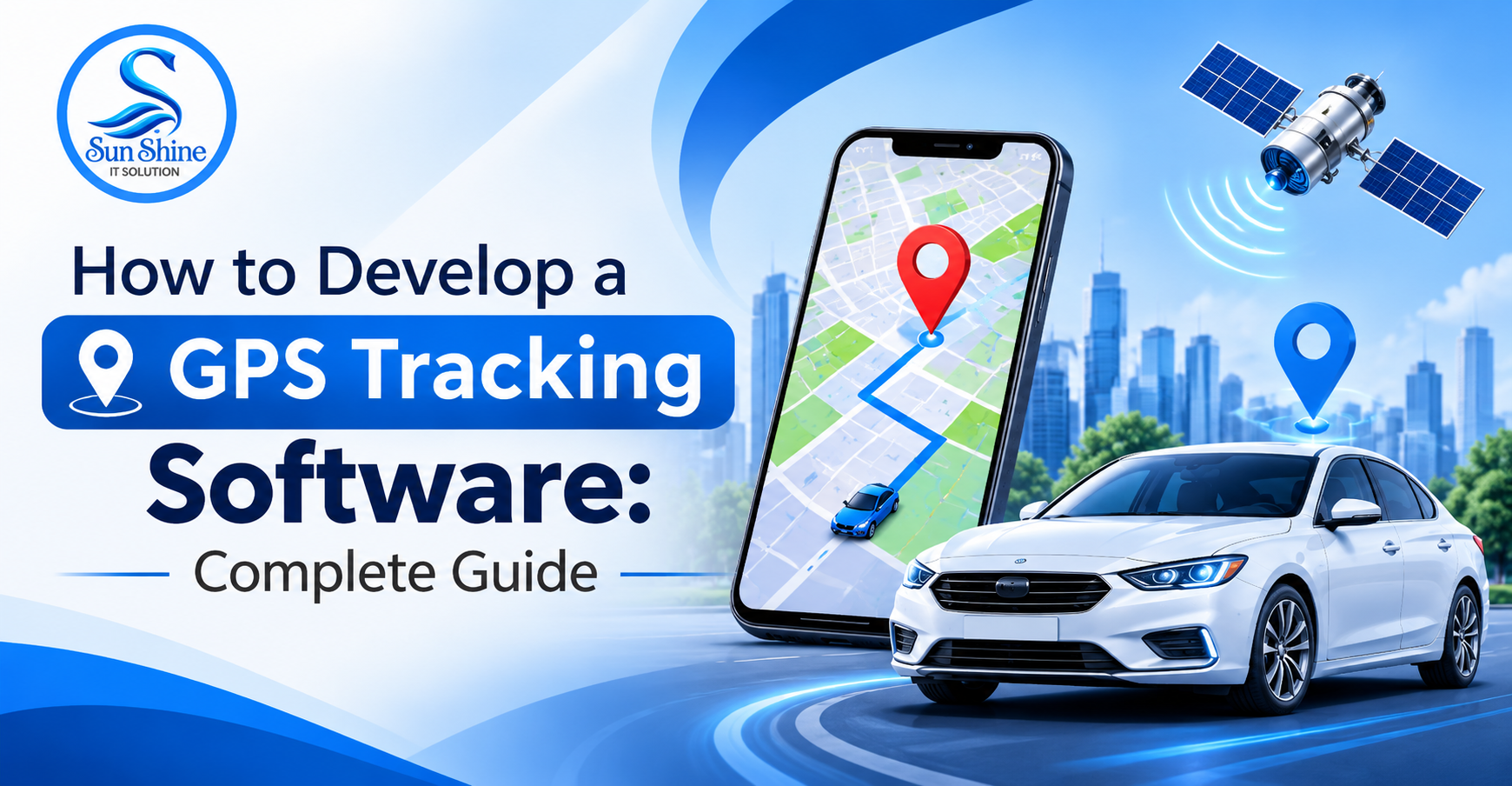
GPS tracking software is becoming an important technology for businesses that need to monitor vehicles, manage fleets, track assets, and improve operational efficiency.
Introduction
GPS tracking software is becoming an important technology for businesses that need to monitor vehicles, manage fleets, track assets, and improve operational efficiency. With the help of Global Positioning System (GPS) technology, businesses can monitor the real-time location of vehicles, equipment, delivery resources, and other valuable assets through digital platforms.
GPS tracking software collects location information from GPS-enabled devices and displays it through web applications or mobile applications. It allows businesses to monitor movement, check routes, analyze travel history, receive location alerts, and manage multiple tracking devices from a centralized dashboard.
From transportation and logistics to delivery services, construction, and field operations, GPS tracking solutions help businesses maintain better visibility over their daily activities.
At Sun Shine IT Solution, we provide custom software and application development services to help businesses build GPS tracking solutions according to their specific requirements. We focus on developing user-friendly, scalable, and feature-rich applications that simplify location monitoring and tracking operations.
Whether you want to develop a vehicle tracking application, fleet management system, personal GPS tracking solution, or asset tracking platform, we can help you plan and develop customized software according to your business needs.
Key Features of GPS Tracking Software
A well-designed GPS tracking application should include essential features that make location monitoring, vehicle management, and tracking activities easier.
2.1 Real-Time GPS Tracking
Real-time GPS tracking allows businesses to monitor the current location of vehicles, devices, or assets on an interactive map. Users can view location updates and monitor movement through a centralized dashboard.
2.2 Live Map Integration
Map integration displays vehicle and asset locations through interactive maps. It can support location markers, route visualization, geographical information, and map-based navigation.
2.3 Route History and Playback
This feature stores previous location information and allows users to review historical routes. Businesses can check where vehicles traveled, their movement patterns, and completed journeys.
2.4 Geofencing Management
Geofencing allows administrators to create virtual geographical boundaries around specific locations. The system can generate alerts when a tracked vehicle or asset enters or exits a defined area.
2.5 Speed Monitoring
Speed monitoring helps businesses view vehicle speed information and configure alerts when vehicles exceed predefined speed limits, subject to device capabilities.
2.6 Vehicle and Fleet Management
Businesses can manage multiple vehicles through a centralized platform. This feature can include vehicle details, registration information, assigned drivers, tracking devices, and vehicle status.
2.7 Driver Management
Driver management helps organizations maintain driver profiles, contact information, assigned vehicles, and relevant driving activity records.
2.8 Location-Based Notifications
The application can send notifications for important tracking events, including geofence entry and exit, overspeeding, device disconnection, and unexpected movement.
2.9 Trip and Route Management
Trip management allows businesses to monitor ongoing journeys, review completed trips, check travel distances, and manage assigned routes.
2.10 GPS Device Integration
The software can connect with compatible GPS tracking devices and receive location information through supported communication protocols and APIs.
2.11 Reports and Analytics
Reporting features help businesses analyze tracking information and generate reports related to vehicle movement, travel history, distance covered, trip duration, and other available tracking data.
2.12 Mobile Application Access
A mobile application allows authorized users to monitor vehicles, check locations, receive alerts, and access tracking information through smartphones.
2.13 Admin Dashboard
The admin dashboard provides centralized control over users, vehicles, tracking devices, permissions, reports, and application settings.
2.14 Fuel and Maintenance Monitoring
Depending on available hardware integrations, GPS tracking software can support fuel monitoring, vehicle maintenance schedules, engine information, and service reminders.
2.15 Multi-User Access and Permissions
Role-based access allows administrators to assign different permissions to managers, drivers, operators, and other authorized users.
Benefits of GPS Tracking Software
GPS tracking software provides several benefits to businesses that depend on vehicles, transportation, delivery operations, or location-based services.
3.1 Real-Time Location Visibility
Businesses can monitor vehicle and asset locations through a centralized dashboard. This provides better visibility into daily operations and ongoing activities.
3.2 Improved Fleet Management
GPS tracking helps fleet operators monitor multiple vehicles, review routes, manage assignments, and organize transportation activities more efficiently.
3.3 Better Route Planning
Historical tracking information and route monitoring can help businesses identify inefficient routes and plan journeys more effectively.
3.4 Increased Operational Efficiency
Automated tracking and reporting reduce the need for manual location updates and help businesses manage daily operations through a single platform.
3.5 Improved Asset Security
Location monitoring and geofencing alerts can help businesses identify unexpected movement and respond to unusual tracking events.
3.6 Better Driver Monitoring
Businesses can review available driving information, vehicle movement, and configured speed alerts to support driver management and operational safety.
3.7 Reduced Operational Expenses
Route optimization, vehicle utilization monitoring, and better fleet visibility can help businesses identify opportunities to reduce unnecessary travel and operating expenses.
3.8 Accurate Tracking Reports
Digital reports provide useful information about trips, distances, routes, and vehicle activity, supporting better operational decisions.
3.9 Improved Customer Service
Delivery and transportation businesses can use tracking information to provide better shipment visibility and more accurate delivery updates to customers.
3.10 Business Growth and Scalability
Custom GPS tracking software can be expanded with additional vehicles, users, tracking devices, features, and integrations as business requirements grow.
Step-by-Step GPS Tracking Software Development Process
Developing GPS tracking software requires proper planning, hardware compatibility, location data processing, map integration, and reliable application architecture.
At Sun Shine IT Solution, the development process can be organized into the following stages.
Step 1: Requirement Analysis
The first step is understanding your business requirements and the purpose of the GPS tracking application.
We identify the type of tracking solution you need, target users, required features, tracking devices, and expected functionality.
For example, a fleet management application may require live vehicle tracking, driver management, route history, and geofencing, while an asset tracking solution may focus on location monitoring and movement alerts.
Step 2: Project Planning and Technology Selection
After understanding the requirements, the development team prepares the project roadmap and selects suitable technologies.
This stage includes defining the application architecture, database structure, GPS device compatibility, map services, APIs, and hosting requirements.
Step 3: UI/UX Design
The next step is designing the application's user interface.
The design team prepares screens for:
- User registration and login
- GPS tracking dashboard
- Live location maps
- Vehicle management
- Driver management
- Route history
- Geofencing settings
- Notifications and alerts
- Reports and analytics
The objective is to create a clean and user-friendly interface that makes tracking information easy to understand.
Step 4: Frontend Development
Frontend development focuses on building the visible and interactive parts of the application.
This includes tracking dashboards, interactive maps, vehicle information screens, location markers, route visualization, reports, and administrative interfaces.
The application can be developed for web browsers and mobile devices according to project requirements.
Step 5: Backend Development
Backend development handles the core functionality and data processing of the GPS tracking application.
It includes user authentication, device management, location data processing, vehicle management, tracking history, notifications, and reporting functionality.
The backend also manages communication between the frontend, database, GPS devices, and external services.
Step 6: GPS Device and API Integration
The application is connected with compatible GPS tracking devices to receive location information.
Depending on the device, integrations may use communication protocols, tracking servers, or third-party APIs.
This stage also includes map integration to display real-time locations, routes, and geographical information.
Step 7: Database Development
The database is designed to store and organize the information required by the tracking platform.
This may include:
- User account information
- Vehicle details
- Driver profiles
- GPS device information
- Location coordinates
- Tracking history
- Trip records
- Geofence configurations
- Alerts and notifications
A properly designed database helps manage large amounts of location data efficiently.
Step 8: Notification and Alert Integration
The development team implements notifications for important tracking events.
These can include geofence entry and exit alerts, overspeeding notifications, device disconnection alerts, and unexpected movement notifications.
Notifications can be delivered through supported mobile applications, email, or SMS services.
Step 9: Testing and Quality Assurance
Before launching the application, the development team performs different types of testing.
Testing can include:
- Functional testing
- GPS location accuracy testing
- Device connectivity testing
- Map integration testing
- Real-time data processing testing
- Performance testing
- Mobile compatibility testing
- Security testing
This helps identify technical issues and improve application reliability.
Step 10: Deployment and Launch
After successful testing, the software is deployed to the selected hosting environment.
The deployment process includes server configuration, database setup, API configuration, device connectivity, and production environment testing.
The application can then be launched after the required operational checks are completed.
Step 11: Maintenance and Technical Support
After deployment, regular maintenance helps keep the GPS tracking platform updated and functional.
This may include bug fixes, security updates, performance optimization, device integration improvements, new feature development, and technical assistance.
Who Needs GPS Tracking Software Development?
GPS tracking software is useful for businesses and organizations that need to monitor vehicles, manage assets, track field operations, or improve location visibility.
Transportation and Logistics Companies
Transportation businesses can monitor vehicle locations, manage delivery routes, track trips, and improve fleet visibility through GPS tracking platforms.
Fleet Management Companies
Fleet operators can use GPS tracking software to manage multiple vehicles, monitor driver activities, review routes, and generate operational reports.
Delivery and Courier Businesses
Delivery companies can track delivery vehicles, monitor ongoing trips, manage delivery routes, and provide shipment visibility to customers.
Taxi and Ride-Hailing Businesses
Taxi and ride-hailing companies can integrate GPS tracking functionality to monitor driver locations, track ongoing rides, and support location-based booking services.
Construction Companies
Construction businesses can monitor heavy vehicles, machinery, equipment, and other valuable assets across different project locations.
Rental Vehicle Businesses
Car and bike rental companies can use GPS tracking to monitor vehicle locations, track movement, and improve asset management.
School Transportation Services
Schools and transportation providers can use GPS tracking solutions to monitor school buses and provide authorized users with vehicle location updates.
Manufacturing and Distribution Businesses
Manufacturing and distribution companies can track transportation vehicles, monitor deliveries, and improve visibility across supply chain activities.
Field Service Companies
Businesses with field employees can use location tracking to manage service assignments, monitor field operations, and organize work schedules.
Personal Asset Tracking Businesses
Companies providing tracking devices and asset monitoring services can develop customized applications for monitoring vehicles, equipment, and other valuable assets
.
How Much Does GPS Tracking Software Development Cost?
The cost of GPS tracking software development depends on the application's complexity, required features, GPS device integrations, platform selection, and technical requirements.
A basic GPS tracking application and a complete fleet management platform require different levels of development effort.
Some important factors that influence the development cost include:
Application Type
A vehicle tracking application, fleet management system, personal tracking application, and asset tracking platform have different development requirements.
Number of Features
Features such as real-time tracking, route history, geofencing, driver management, notifications, and analytics affect the overall development complexity.
GPS Device Integration
The cost may vary depending on the number of supported devices, device protocols, hardware compatibility, and integration requirements.
Map Integration
Map services, route visualization, location updates, and geographical features may involve third-party API and usage costs.
Platform Selection
Developing a web application, Android application, iOS application, or cross-platform solution can influence the overall budget.
UI/UX Design
Custom dashboards, interactive maps, tracking interfaces, and responsive layouts require additional design and development work.
Backend and Database Infrastructure
Real-time location processing, historical data storage, multiple device connections, and server requirements can influence infrastructure and development costs.
Maintenance and Support
Regular updates, hosting, server monitoring, bug fixes, and technical support should also be considered when planning the overall project budget.
For an accurate cost estimate, businesses should first define their tracking requirements, supported GPS devices, expected users, and required features.
Why Choose Sun Shine IT Solution for GPS Tracking Software Development?
Choosing the right software development company is important when building a GPS tracking application. You need a development partner who understands your business requirements and can transform your idea into a practical digital solution.
Sun Shine IT Solution provides custom software, web application, and mobile application development services for businesses across different industries.
We focus on developing customized applications according to specific business requirements, operational workflows, and future growth plans.
Here are some reasons to choose Sun Shine IT Solution:
Custom Software Development
We develop GPS tracking applications according to your business model, target audience, and required functionalities.
User-Friendly Interface
Our development approach focuses on clean dashboards, interactive maps, simple navigation, and easy-to-understand tracking information.
Scalable Application Architecture
We develop applications with future expansion in mind, allowing businesses to add more vehicles, tracking devices, users, and functionalities.
GPS and Third-Party API Integration
We can develop integrations with compatible GPS tracking devices, map services, and third-party APIs according to project requirements.
Web and Mobile App Development
We can develop customized GPS tracking applications for web platforms, Android devices, and iOS devices.
Customized Business Workflows
Every business has different tracking requirements. We develop software according to your preferred workflows, user roles, and operational needs.
Security-Focused Development
We consider essential security requirements such as secure authentication, access control, data protection, and authorized location access.
Ongoing Technical Support
Our services can include maintenance, bug fixes, software updates, feature improvements, and technical assistance after deployment.
At Sun Shine IT Solution, our goal is to help businesses simplify tracking operations through customized software solutions.
Whether you want to develop a vehicle tracking application, fleet management system, GPS asset tracking platform, or complete location monitoring solution, we can help you plan and develop software according to your business requirements.