

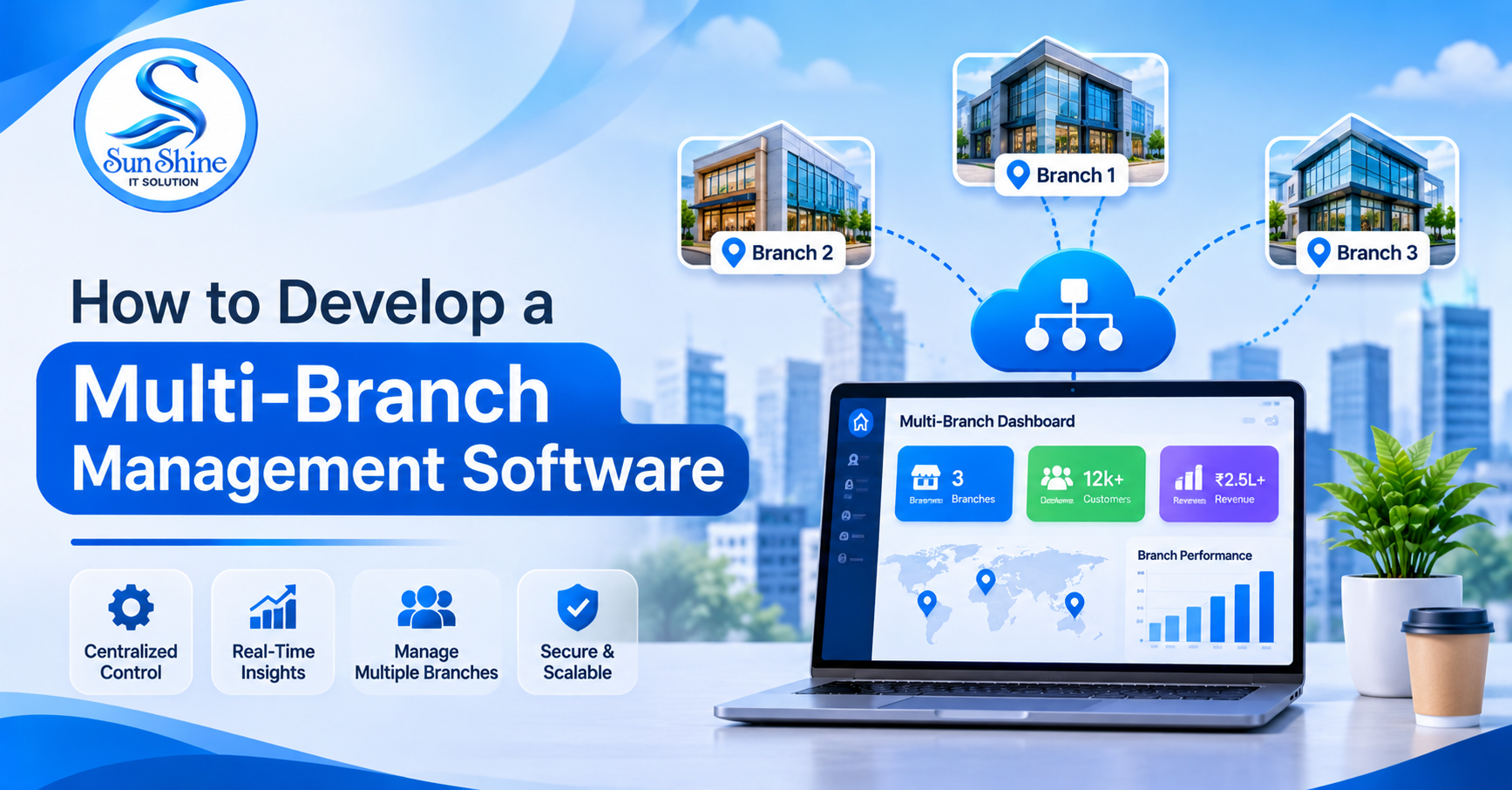
In this guide, Sun Shine IT Solution explains how to develop multi-branch management software, its essential features, technologies, development process, and business benefits.
Introduction
Managing multiple business branches can be challenging when each location handles its own employees, inventory, sales, customers, and daily operations. Without a centralized system, businesses may face data duplication, communication gaps, reporting delays, and operational difficulties.
Multi-Branch Management Software helps businesses manage all their branches through one centralized platform. It allows owners and administrators to monitor operations, track inventory, manage employees, and analyze business performance in real time.
In this guide, Sun Shine IT Solution explains how to develop multi-branch management software, its essential features, technologies, development process, and business benefits.
1. What Is Multi-Branch Management Software?
Multi-Branch Management Software is a centralized business application that allows organizations to manage multiple locations from a single system.
For example, a retail company operating five stores can manage sales, stock, employees, expenses, and reports from one centralized admin dashboard.
Each branch can access its own information, while the head office can monitor the overall business performance.
2. Why Do Businesses Need Multi-Branch Management Software?
Businesses with multiple locations need better coordination and centralized control.
Key benefits include:
-
Centralized Management: Control all branches from one dashboard.
-
Real-Time Monitoring: Track sales, stock, and operations.
-
Inventory Control: Monitor stock across different locations.
-
Employee Management: Manage branch employees and attendance.
-
Better Reporting: Compare branch-wise business performance.
-
Reduced Errors: Minimize manual data entry and duplication.
-
Improved Decision-Making: Use business reports to make informed decisions.
3. Essential Features of Multi-Branch Management Software
A professional multi-branch management system should include the following features:
1. Centralized Admin Dashboard
Monitor all branches, sales, expenses, inventory, and business activities from one place.
2. Branch Management
Add new branches, update branch details, assign managers, and manage branch-specific settings.
3. Inventory Management
Track stock levels, product transfers, purchases, and availability across different locations.
4. Employee Management
Manage employee profiles, attendance, roles, salaries, and branch assignments.
5. Sales and Billing Management
Record transactions, generate invoices, manage payments, and track branch-wise sales.
6. Customer Management
Maintain customer records, purchase history, contact details, and customer activity.
7. Expense Management
Track rent, salaries, maintenance, utilities, and other branch expenses.
8. Reports and Analytics
Generate branch-wise and overall business reports for sales, inventory, expenses, and profitability.
9. Role-Based Access Control
Provide different permissions to owners, administrators, branch managers, and employees.
10. Notifications and Alerts
Send alerts for low stock, pending payments, important activities, and branch updates.
4. Step-by-Step Process to Develop Multi-Branch Management Software
Developing reliable multi-branch software requires proper planning and a structured development process.
Step 1: Requirement Analysis
Understand the business model, number of branches, employee roles, workflows, and management requirements.
Step 2: UI/UX Design
Create user-friendly dashboards for administrators, branch managers, and employees.
Step 3: Technology Selection
Choose suitable frontend, backend, database, and cloud technologies.
Step 4: Backend Development
Develop business logic for branch management, inventory, sales, employees, and reporting.
Step 5: Database Development
Create a structured database to manage branch-wise records while maintaining proper data separation.
Step 6: Feature Integration
Integrate billing, notifications, reports, inventory transfers, and other required modules.
Step 7: Testing
Perform functional, security, performance, and cross-branch access testing.
Step 8: Deployment and Maintenance
Launch the software and provide regular updates, monitoring, backups, and technical support.
5. Best Technologies for Multi-Branch Software Development
The technology stack depends on business requirements and application complexity.
|
Development area |
Technologies |
|---|---|
|
Frontend |
React.js, Angular, Vue.js |
|
Backend |
Node.js, Laravel, Python, .NET |
|
Database |
MySQL, PostgreSQL, MongoDB |
|
Mobile App |
Flutter, React Native |
|
Cloud Hosting |
AWS, Azure, Google Cloud |
|
APIs |
REST API, GraphQL |
6. How Does Multi-Branch Management Software Work?
A centralized system connects all business locations through a common platform.
The working process:
-
The administrator creates branch accounts.
-
Employees receive branch-specific login access.
-
Each branch manages its daily operations.
-
Sales, inventory, and expenses are recorded.
-
Information is synchronized with the central system.
-
The owner monitors all branches through a unified dashboard.
-
Reports help management evaluate business performance.
7. Industries That Need Multi-Branch Management Software
Multi-branch management solutions are useful for:
-
Retail and supermarket chains.
-
Restaurants and hotel chains.
-
Hospitals and healthcare centers.
-
Educational institutions.
-
Franchise businesses.
-
Laundry service companies.
-
Warehouses and distribution businesses.
-
Fitness centers and gyms.
-
Automobile dealerships.
-
Wholesale and trading companies.
8. How Much Does It Cost to Develop Multi-Branch Management Software?
Development costs depend on the number of modules, branches, integrations, user roles, and customization requirements.
Major cost factors include:
-
UI/UX design.
-
Frontend and backend development.
-
Database architecture.
-
Inventory and billing modules.
-
Reporting and analytics.
-
Mobile application development.
-
Third-party integrations.
-
Testing and deployment.
A customized solution should be estimated after analyzing the business requirements and expected functionality.
9. Common Challenges in Multi-Branch Software Development
|
Challenge |
Solution |
|---|---|
|
Data duplication |
Centralized database management |
|
Unauthorized access |
Role-based permissions |
|
Inventory mismatch |
Real-time stock tracking |
|
Slow reporting |
Database and query optimization |
|
Branch communication gaps |
Centralized notifications |
|
Data security |
Encryption and access controls |
|
Business expansion |
Scalable architecture |
10. Why Choose Sun Shine IT Solution?
Sun Shine IT Solution provides customized software development services to help businesses simplify operations and improve productivity.
We develop business software according to individual requirements, including:
-
Custom Multi-Branch Management Software.
-
Inventory Management Software.
-
Retail Management Software.
-
ERP and CRM Solutions.
-
Billing and Accounting Software.
-
Employee Management Systems.
-
Web and Mobile Applications.
-
Business Automation Solutions.
Our goal is to develop scalable, secure, and user-friendly software that helps businesses manage their operations more efficiently.
11. Frequently Asked Questions (FAQs)
Q1. What is multi-branch management software?
It is a centralized application that helps businesses manage multiple locations, employees, inventory, sales, and reports.
Q2. Can I manage all branches from one dashboard?
Yes. Administrators can monitor all connected branches through a centralized dashboard.
Q3. Can each branch have separate login access?
Yes. Role-based access allows employees and managers to access only their permitted branch information.
Q4. Can the software manage branch-wise inventory?
Yes. It can track stock, purchases, transfers, and inventory availability across multiple locations.
Q5. Can I develop customized multi-branch software?
Yes. Custom software can be developed according to your business workflows, industry, and operational requirements.
Q6. Does Sun Shine IT Solution develop multi-branch management software?
Yes. Sun Shine IT Solution provides custom software development services for businesses looking to manage multiple branches through a centralized platform.
Conclusion
Multi-Branch Management Software helps businesses simplify operations, improve coordination, control inventory, and monitor performance across multiple locations.
With centralized dashboards, automated workflows, real-time reporting, and secure access management, businesses can manage their growing operations more efficiently.
Want to manage all your business branches from one platform?
Choose Sun Shine IT Solution to develop customized multi-branch management software that supports your business growth.